Overview
Accidentally deleting a WordPress menu can undo hours of work, and WordPress has no built-in way to get it back. Menu Backup & Restore saves a copy every time you save a menu, so you can roll back in one click. It also lets you export menus and move them between sites.
Features
- Automatic backup every time a menu is saved
- One-click restore that keeps your menu locations in place
- Works with classic menus and block-theme menus in the Site Editor
- Export and import menus as a file, one or many at a time
- Move menus between sites, with pages, posts and categories matched automatically
- Rename, bulk-export or delete backups, and choose how many to keep
- No extra database tables, lightweight and fast
Screenshots
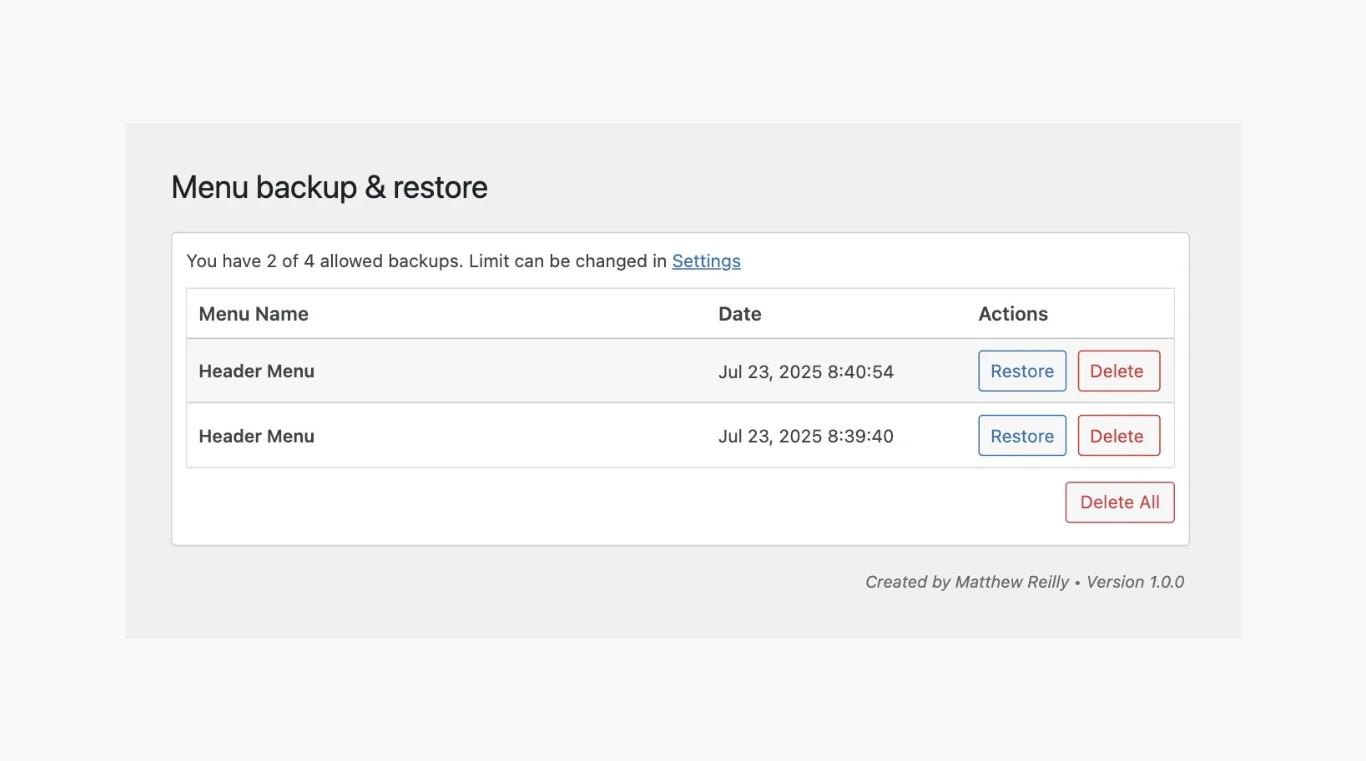
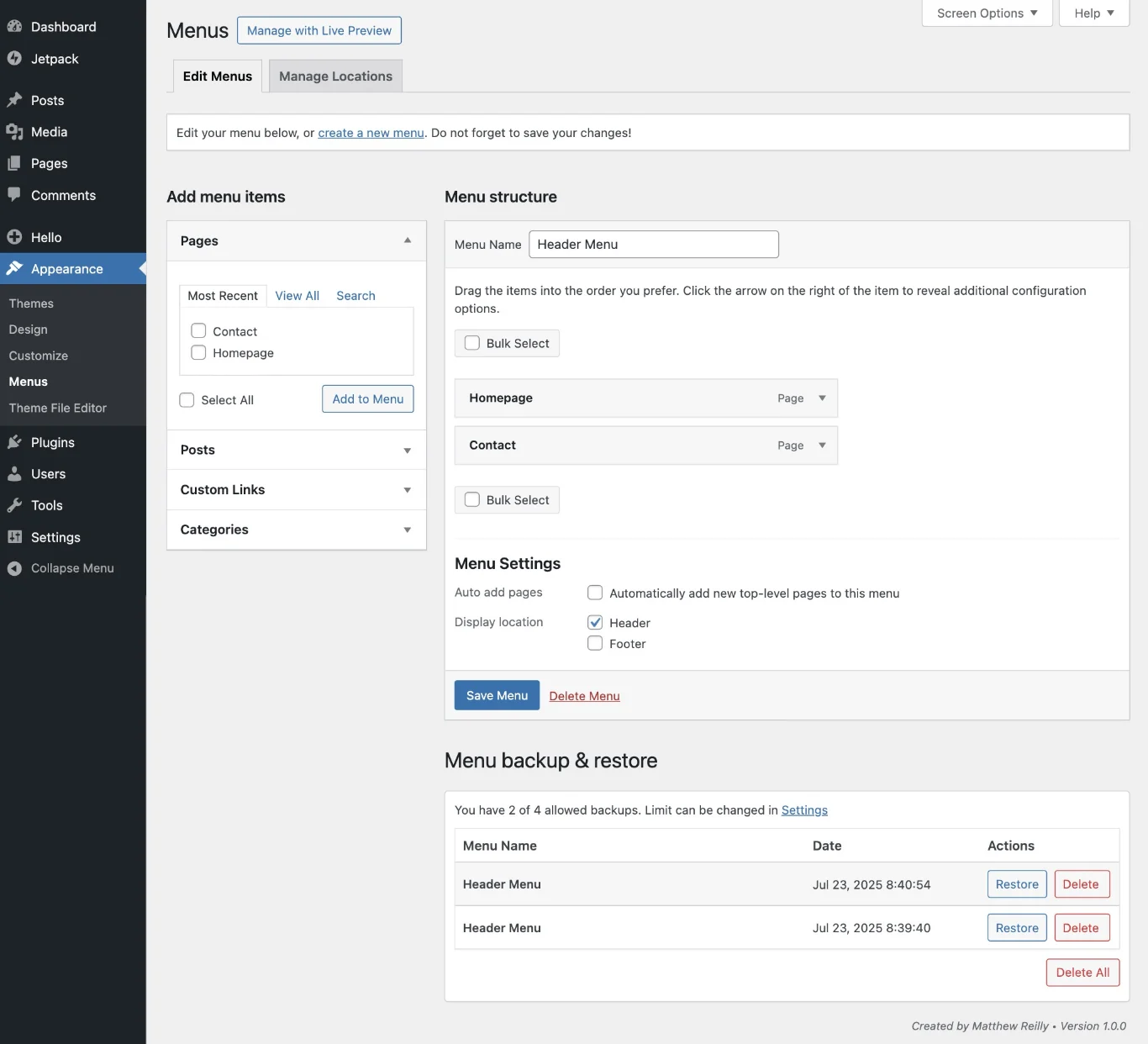
How we built it
I built the first version with Cursor after deleting a client's main menu by mistake. I then spent several months working through the WordPress.org review, used ChatGPT to refine the trickier parts, and published it with SVN.
Built with
- Cursor
- ChatGPT
- WordPress
What's new
Version 1.4.2
- Tested with WordPress 7.1
- Safer imports, with a clear preview of what a menu file contains
- Restoring in place no longer resets menu locations