Overview
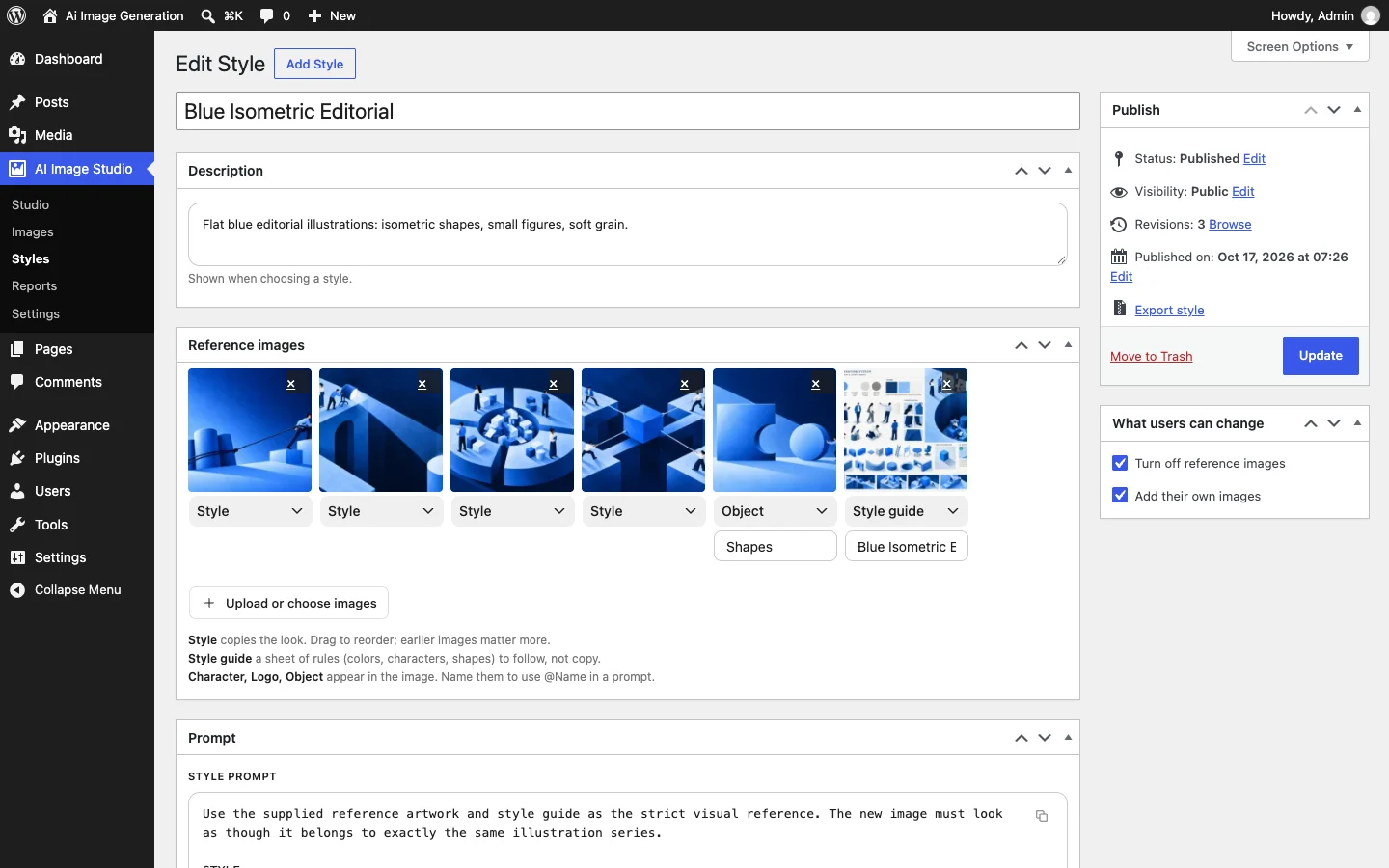
Most sites end up with featured images from everywhere: a stock photo, a screenshot, something made in a hurry. AI Image Studio keeps them looking like one site. Save your style once, with a description, the things to avoid and a few reference images, and every image after that follows it. Make them from the post you're writing, preview each one before anything is saved, and use your own OpenAI or Google Gemini key, billed directly by the provider.
Features
- Styles you save once: a description, things to avoid, reference images and default settings
- Three starter styles, and styles that export and import between sites as a ZIP
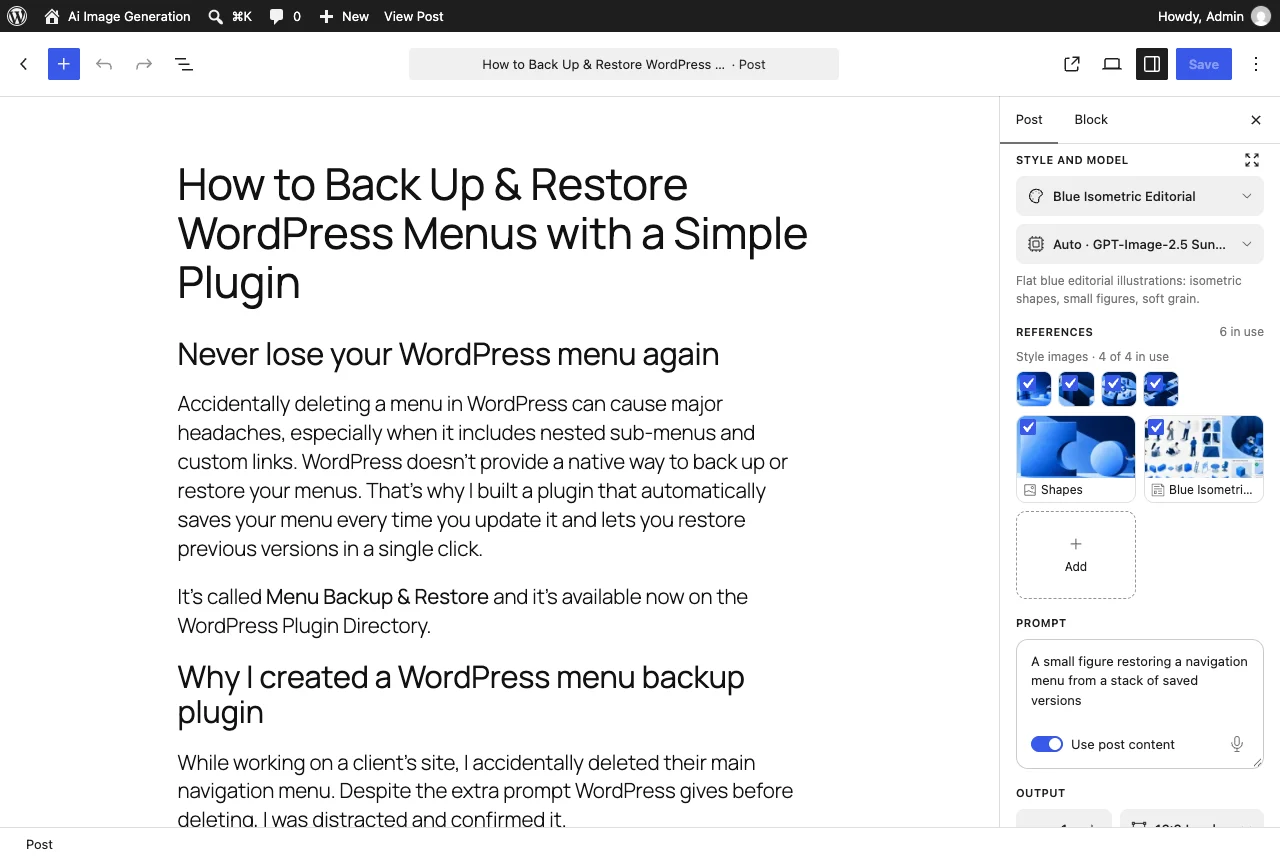
- An AI Featured Image panel in the block editor, and a button in the Classic Editor
- Uses the post you're writing, saved or not, plus an optional line of your own
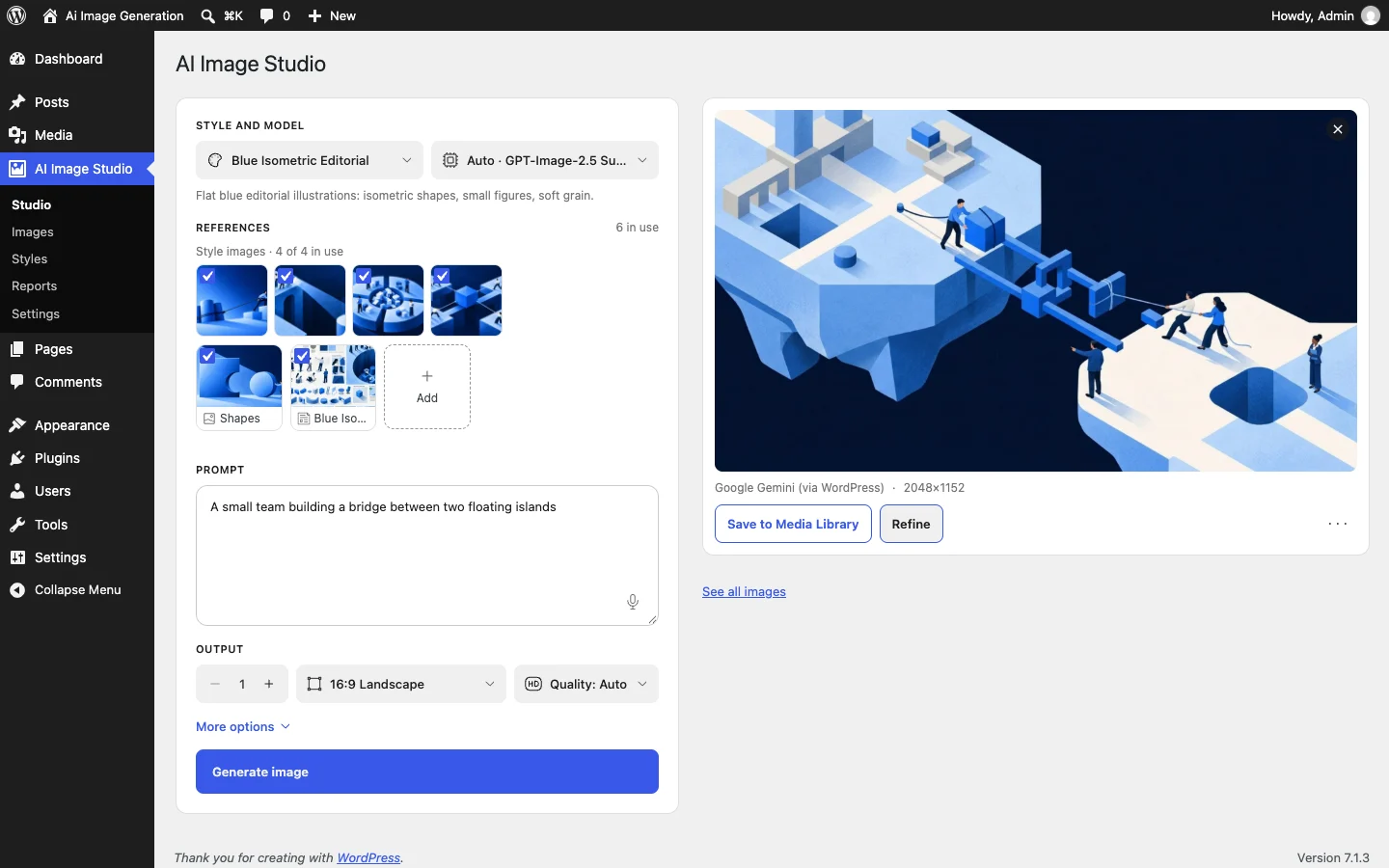
- Preview first: nothing reaches the Media Library until you accept it
- A Studio for images that don't belong to a post
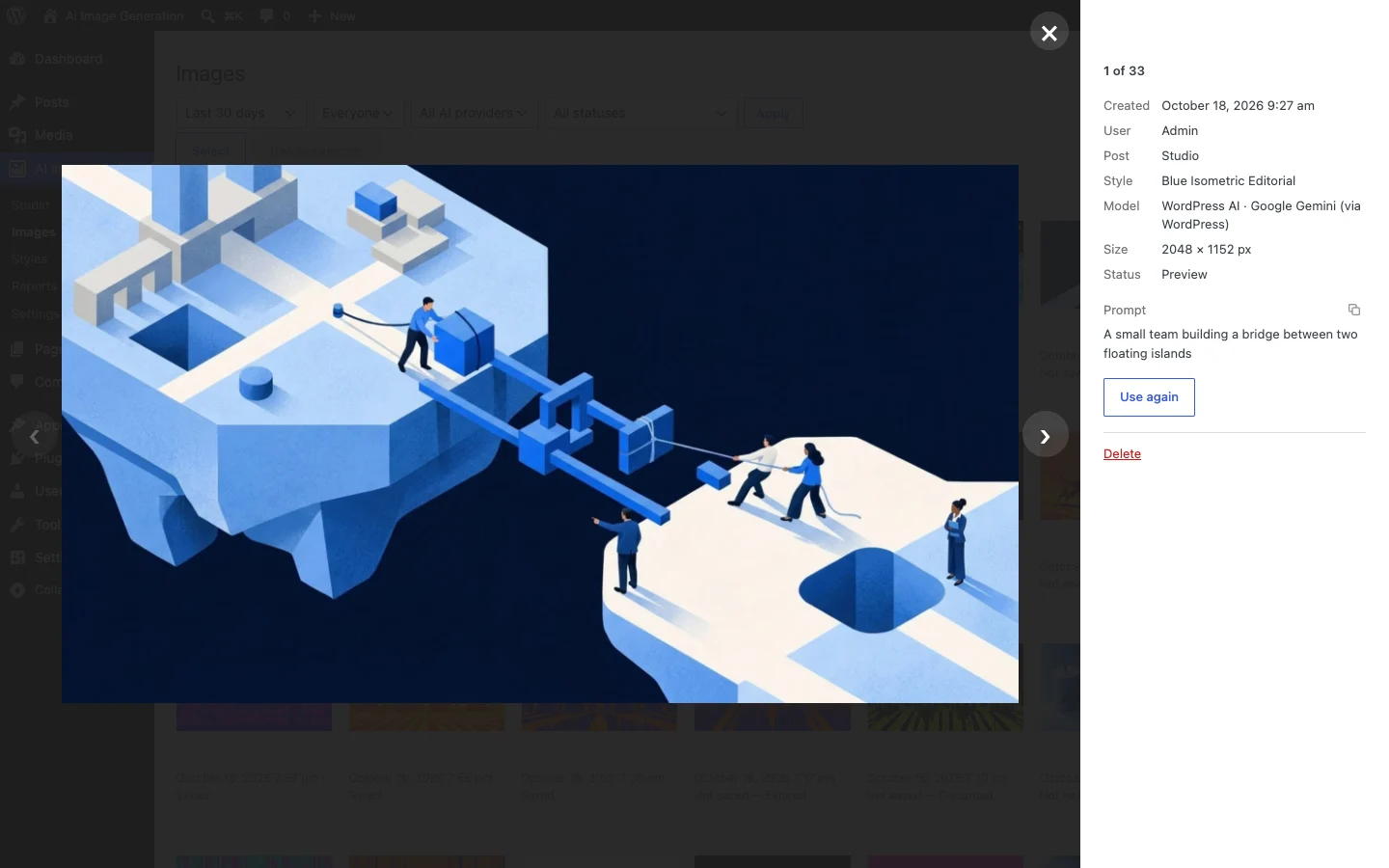
- An Images page with every prompt, ready to copy or reuse
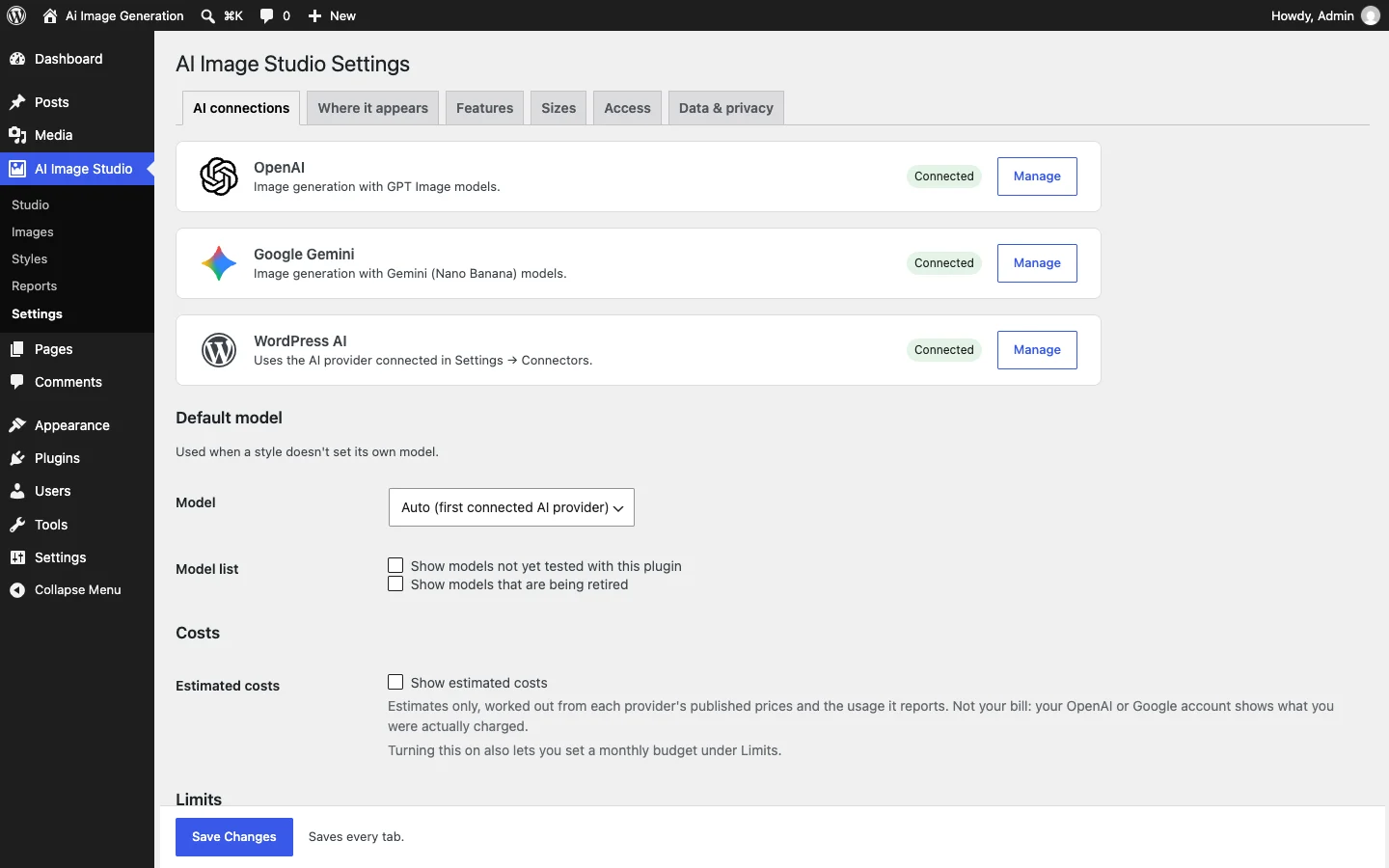
- OpenAI and Google Gemini built in, plus WordPress's own AI connections
- Optional extras: several images at once, live previews, alt text, voice input
- Roles, daily limits per person, activity reports and optional cost estimates
- Keys stay on your server and are never sent to the browser
- Saved images are tagged as AI-generated, with an optional label
Screenshots
What's new
Version 1.0.0
- First public release
- Styles with import and export
- The editor panel, the Studio and the Images page
- OpenAI, Google Gemini and WordPress AI connections